
Think about strategy, not just the photos.
Here’s how to capture photos that work across every channel.
If website photos of your product don’t look the same as your social media images, you’re in good company. It’s not uncommon for CPG brands to have fragmented product photography across different channels, given how each channel differs in sizes, formats and most importantly, audience. But “common” doesn’t mean “harmless,” and this fragmentation is something brands should try to fix.
Your product’s photos tell—and sell—a story. Since it’s often the first experience a customer has with a product or branding, these photos play a key role in building trust and brand recall. It directly influences your customers’ perceptions of the product.
Rather than have a library of assets in all sorts and sizes, a unified photography ecosystem offers a better approach. It can serve all brand touchpoints with consistency and flexibility, no resizing or reshooting required.
To create this unified ecosystem, you’ll need to spend time planning intentionally. This planning should begin before you snap the first photo.

Start with a Strategy, Not a Shoot
Product photography should align with your brand positioning, packaging hierarchy, and channel strategy. In other words, begin with the end in mind.
Start with your core goals before you invest in product photography:
- What do you want your images to communicate (e.g., freshness, luxury, sustainability)?
- What channels will the images live on (e.g., eCommerce sites, social media, billboards, in-store displays)?
- Who are you shooting for—retailers, DTC, or both?
- What might your future packaging needs look like?
When combining these and other priorities, a visual brief can help align creative direction with brand guidelines. This might include a mockup of your packaged product, the product itself, and how you plan to use the photos, for example.
Having all the information in one place gives you something to refer back to when doing product shoots.
Core Photography Categories Every CPG Brand Needs
Every unified photo library should include specific shots that can be used across channels and use cases. Here are the most essential categories that will make up your library.
1. Hero/Product Line Shots
These are clean, front-facing images that showcase your product. They’re typically used for packaging and eCommerce pages to give your customer a clear view of what your product is.

2. Detail Shots
Detailed photos are close-ups of your product. They bring attention to texture, ingredients, patterns, colors, special features, or packaging. These photos accompany product listings on eCommerce pages and support social media content.

3. Lifestyle Imagery
Contextual or aspirational scenes bring your product to life. It shows people using the product, giving obvious clues about its size and how it works in real life. These photos matter to storytelling, especially when running paid social media ads.
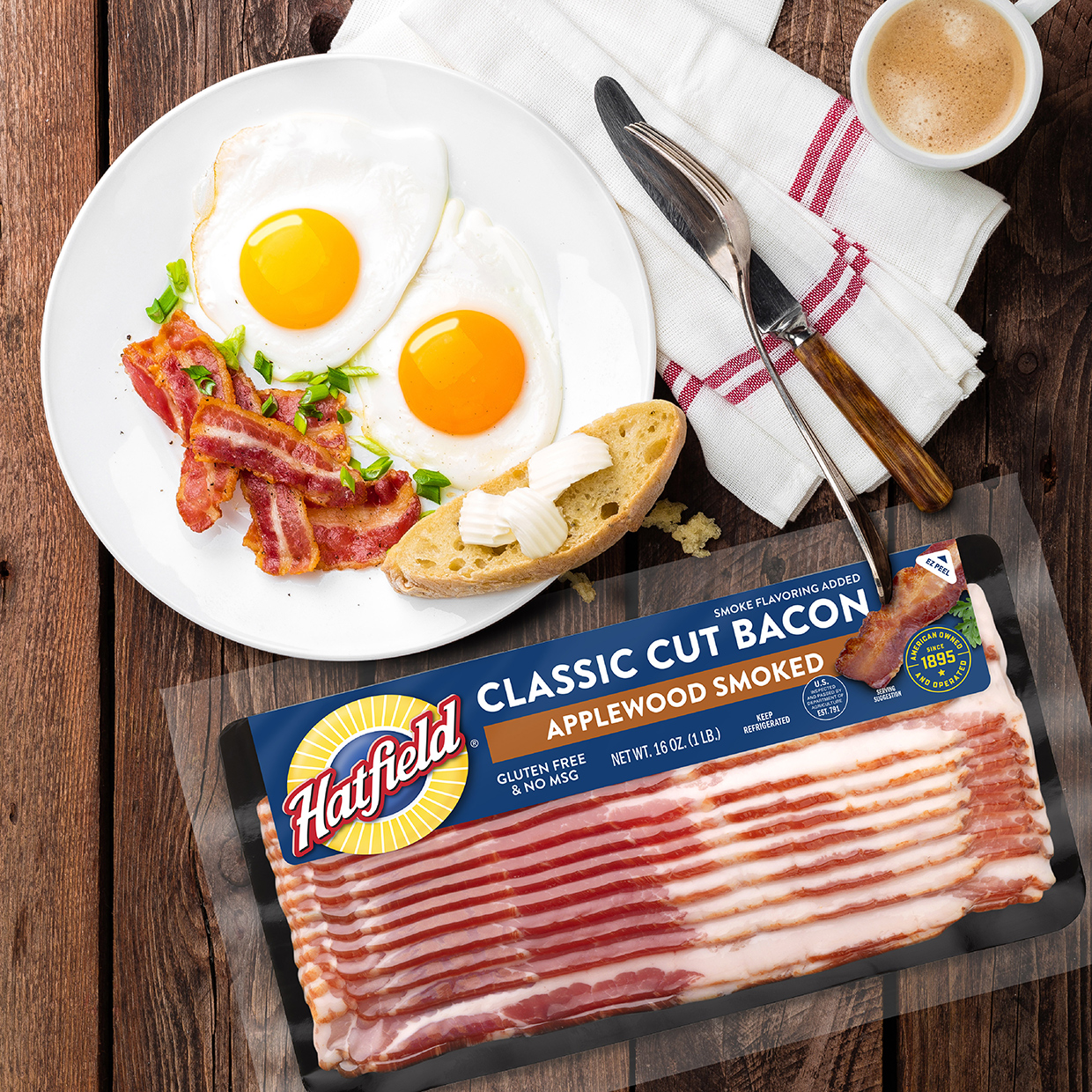
4. Process or Ingredient Shots
Shots of authentic production or ingredients matter when discussing transparency. These photos work well for origin stories and building trust with audiences who might be skeptical about ingredient quality, sustainability practices, or sourcing.
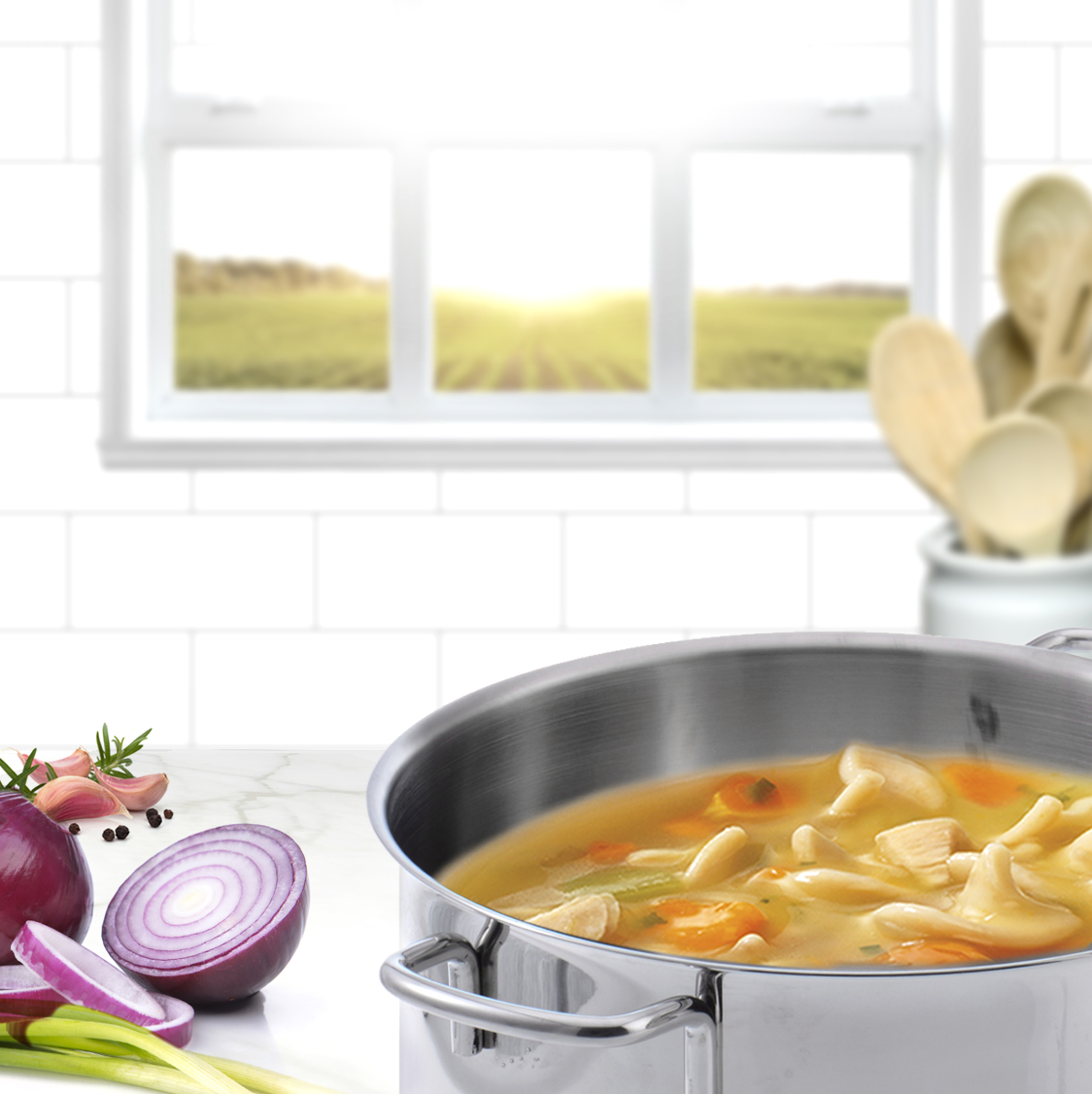
5. Retail & Shelf Context Shots
Retail and shelf photos are mockups of what your packaged product will look like in a retail setting. For instance, your product might appear hanging or stacked on a shelf in the same way it will be merchandised in real life. These photos are useful for sell-in decks and retail presentations.

Designing Photography for Multi-Channel Flexibility
Once you have your core photos, you can resize and reformat them in different ways to use across various channels. Follow this checklist to allow for maximum flexibility:
- Resize the same photo in different aspect ratios: for example, Instagram (1:1), web banners (16:9), or Pinterest (2:3).
- Plan for negative space to allow for text overlays or design adaptations.
- Shoot at high resolution for scalability (digital to print) to avoid losing image quality.
- Capture both horizontal and vertical compositions for channel diversity.
- Maintain consistent lighting, angles, and color treatment to unify visuals across touchpoints.
In essence, you might transform a single photo into 10+ different assets, depending on the channels you’re using.
Integrating Photography with Packaging and Design
Photography doesn’t serve as a standalone function. It needs to collaborate with design and packaging teams, as each informs the other.
Photography should complement packaging color palettes, typography, and layout systems, helping to highlight the unique details of each product’s appearance. A lot of time, thought, and effort go into package design, and those details can live up to their potential with intentional photography.
Use packaging mockups in-studio to test how photography aligns with label design, texture, and material finishes. Bringing all of these elements together gives you an idea of how the total package will appear to your audience. CGI or retouching can further extend how you use your photos and help you adapt assets for future refreshes.
Building a Scalable Digital Asset Library
As your product portfolio grows, so will your digital asset library. Using a repeatable system for naming files and choosing formats can help you keep assets organized and easily accessible. These tips can help:
- Establish a structured folder hierarchy and metadata tagging system.
- Include usage rights and file formats (RAW, JPEG, PNG) to share with agency and brand teams.
- Consider implementing a DAM (Digital
- Asset Management) platform for easy search, access, and distribution.
- Train internal and external teams on how to use and maintain the library.
- Document your digital asset library system to reduce confusion and version control issues.
Thinking in terms of scale prevents clutter and helps to retain the value of all of your digital assets.
Photography as a Living Brand System
Photography isn’t a one-off expense for CPG brands. It’s a long-term brand investment that can help you continue marketing and selling your products effectively.
To optimize success, think modularly: images that are flexible, intentional, and consistent can be repurposed across channels and will deliver more value for a lower cost.